# How do I connect GLO/NAV?
With Warehouse Connector, it is easy to integrate your store with your 3PL partners, such as GLO/NAV. First, you need to get API credentials from GLO/NAV, this allows Warehouse Connector to communicate with GLO/NAV. Then you have to configure the GLO/NAV Connector in Warehouse Connector using the API credentials provided by GLO/NAV.
To integrate GLO/NAV with Warehouse Connector, you need to have the following details present with you:
- API Key
To connect GLO/NAV:
Navigate to the Settings menu and click Connectors.
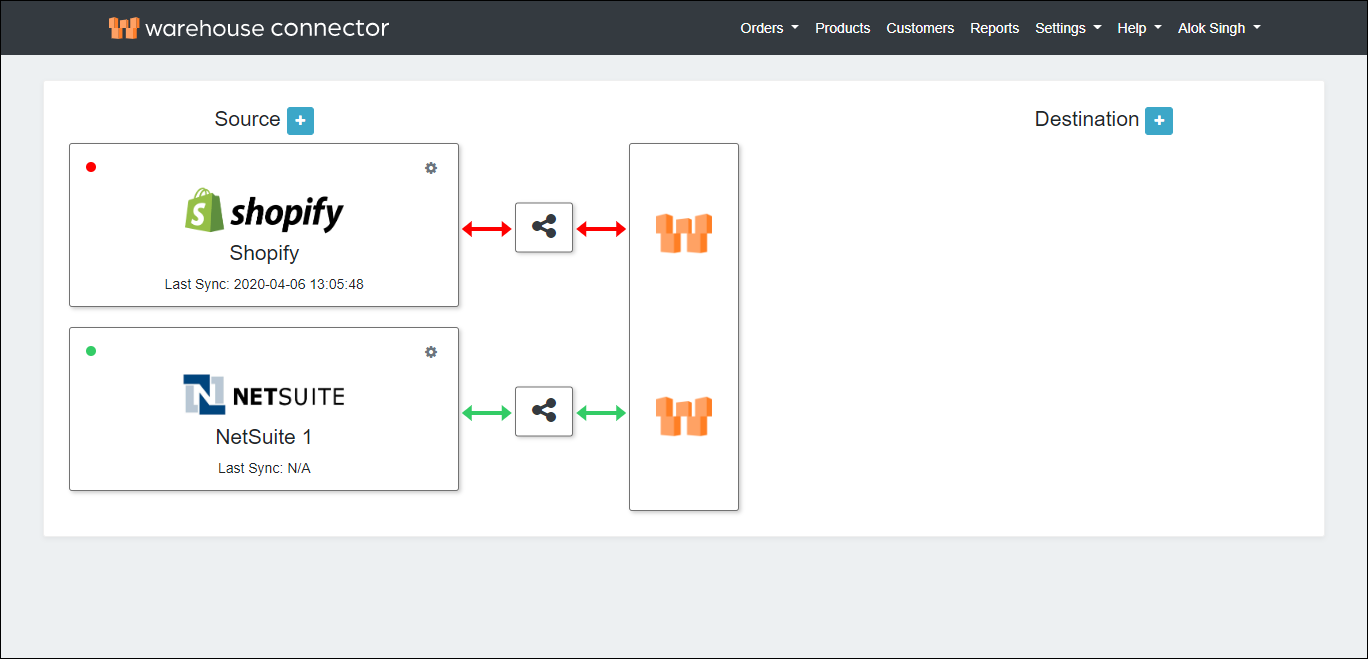
On the Connectors page, click the Add icon next to Destination.
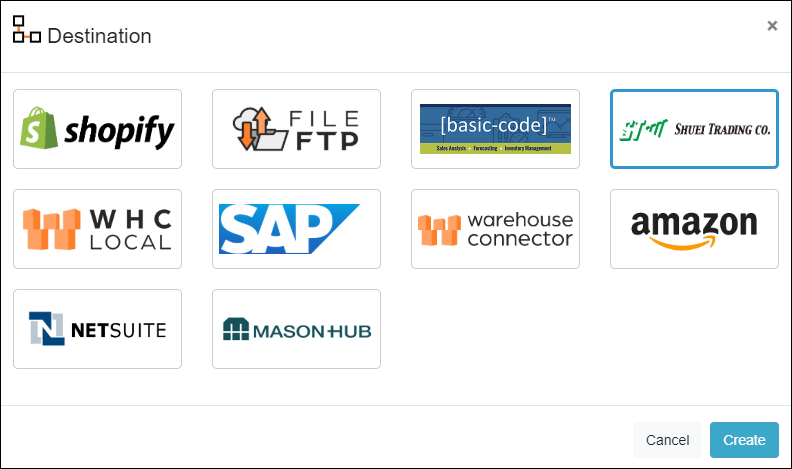
On the Destination page, select Shuei Trading Company (GLO/NAV) and click Next.
The GLO/NAV connector is added as follows.
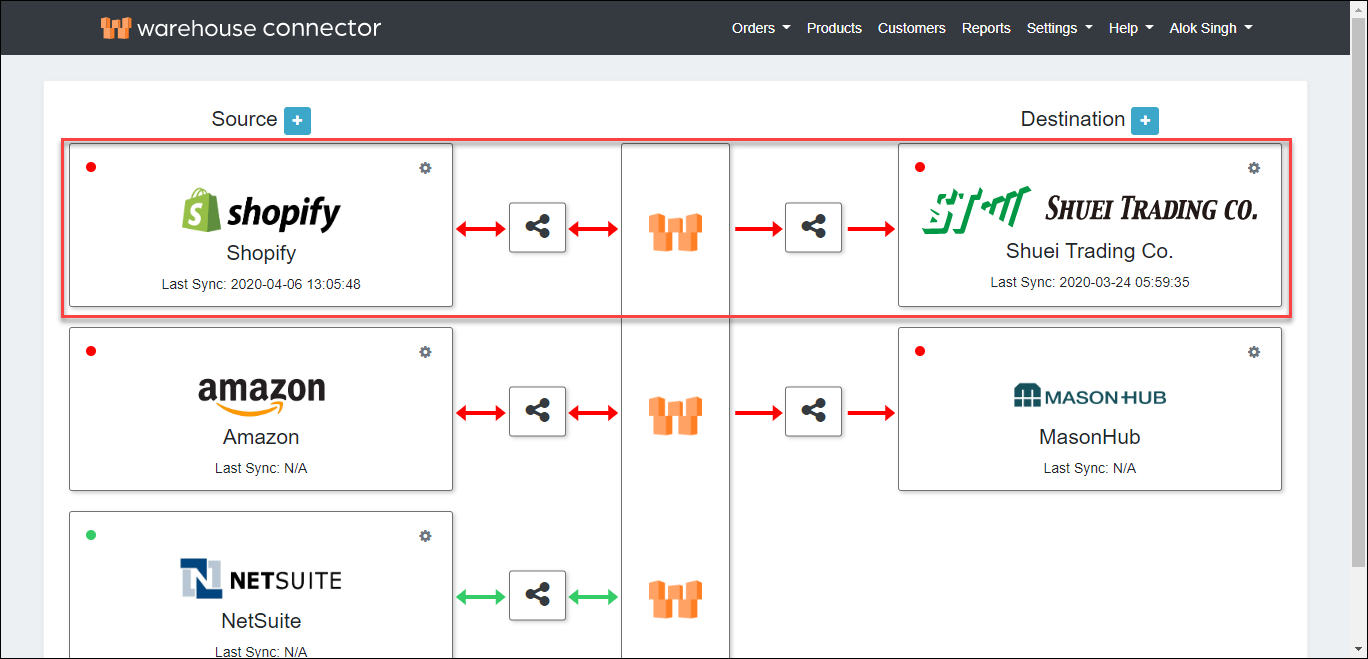
Click on the Settings icon and click Edit on the menu to provide the API details.
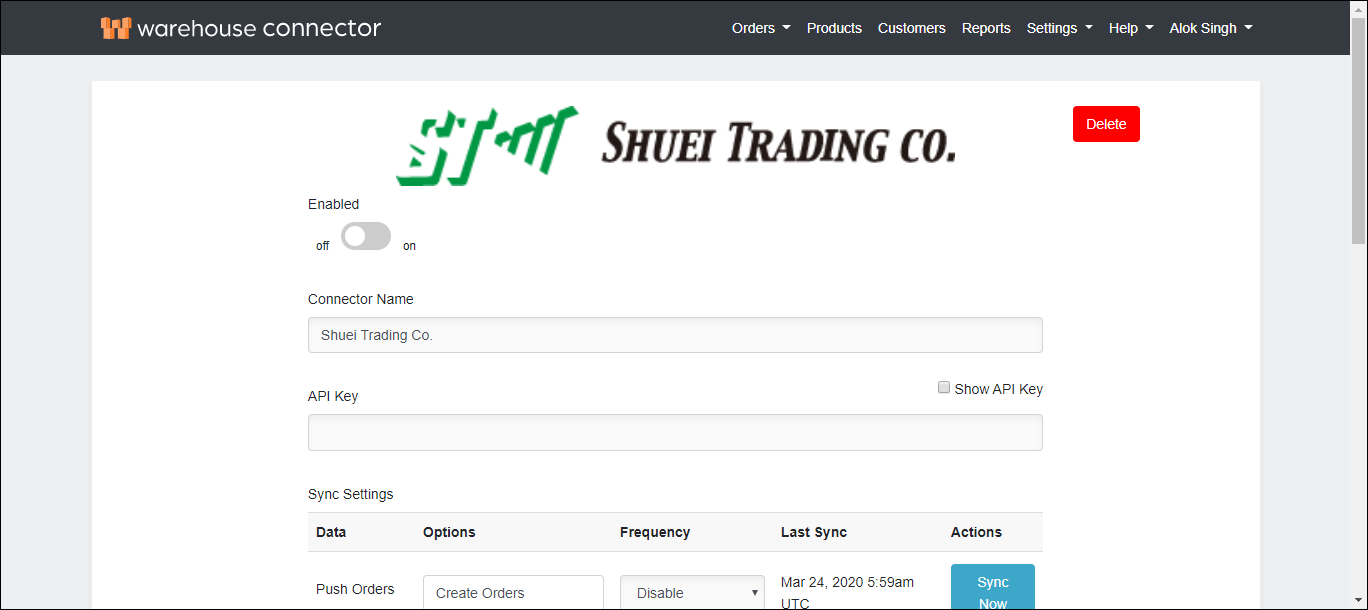
The GLO/NAV connector details page is displayed.
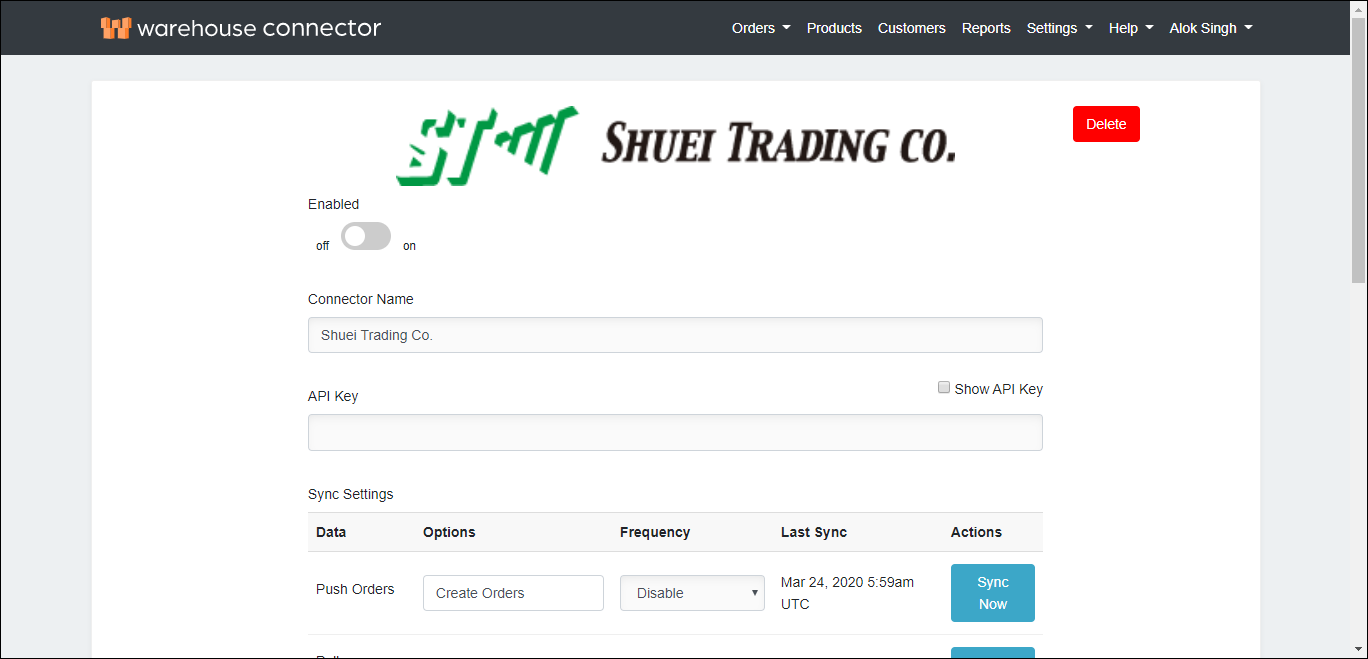
On this page, enter the following details:
| Field | Description |
| Enabled | Enable the connector by switching the On toggle. |
| API Key | Enter the API key. |
| Show API Key | Select the Show API Key checkbox to view the API key. |
Click Save to save your changes.
If you ever need to delete the connector, then click Delete on top of the connector settings page to remove it. This may impact any orders that haven't been fulfilled.