
# How do I perform custom field mapping with the Shopify store?
Once your Shopify store is successfully connected, Warehouse Connector will automatically assign field mappings from Shopify to Warehouse Connector. These fields will, in turn, get mapped to your 3PL's custom fields.
Note: If Source (Shopify Store) Value and Warehouse Connector Value are not specified, Warehouse Connector Field will use the value of Source Field.
To map Warehouse Connector fields with your Shopify store:
Click on the Settings icon and click Edit on the menu to provide Custom Field Mappings details.
Scroll down to the Custom Field Mappings section.
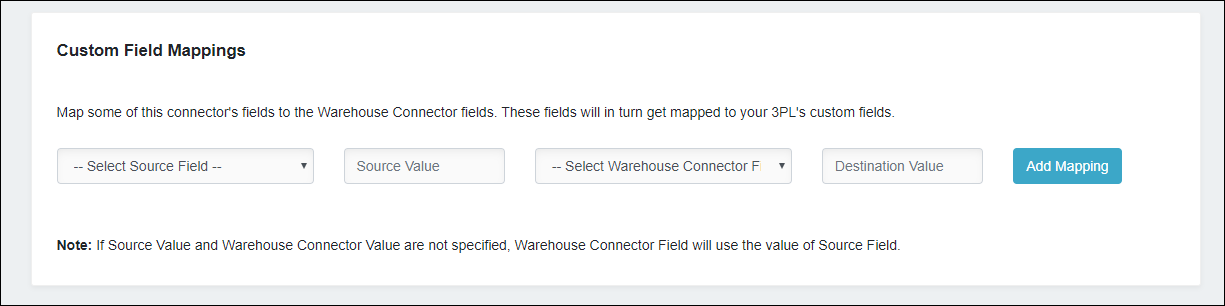
Enter the following details:
| Field | Description |
| Select Source Field | Select the Shopify field. |
| Source Value | The value of the Shopify field. |
| Select Warehouse Connector Field | Select the Warehouse Connector field. |
| Destination Value | The value of the Warehouse Connector field. |
- Click Add mapping to map the fields.
- Click Save when you have finished.