
# How do I configure orders?
The Warehouse Connector settings for orders can affect how orders are displayed.
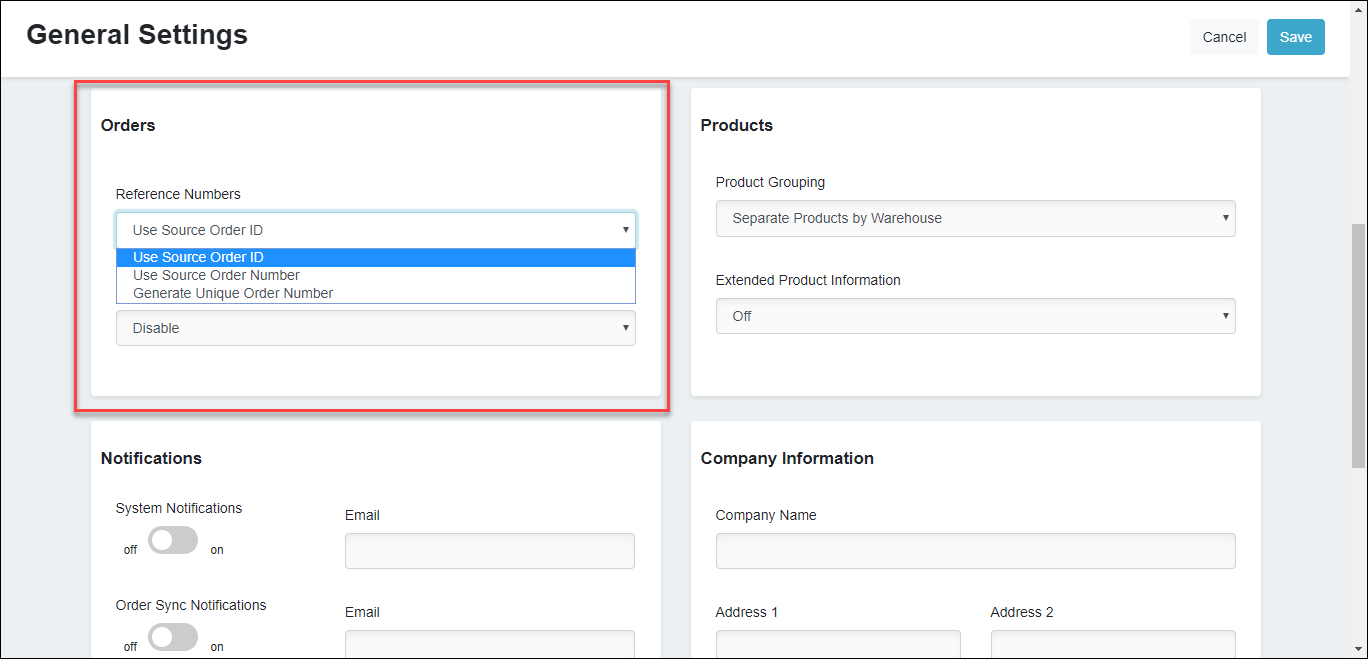
To configure orders:
In the Orders section, use the Reference Numbers drop-down menu to specify how you’d like to identify orders in any connectors that will be receiving the order from Warehouse Connector.
To define hold time for all the orders in the Warehouse Connector, use the Hold Time drop-down menu to select the period for which you want to hold the order before it is sent to your 3PL partner for shipping.
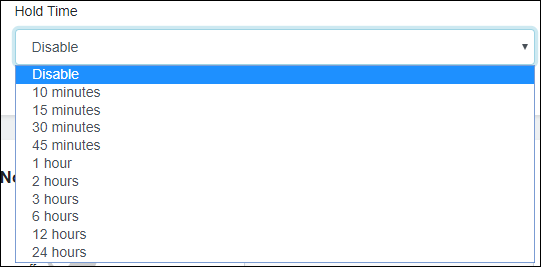
This is usually needed to avoid an order return situation if the customer changes the mind to edit an order immediately after purchase. For example, you might want to hold all the orders for 30 minutes before they are sent for fulfillment to your 3PL partner.
Click Save to save your changes.