
# How do I configure time zone, locale, and currency?
The Warehouse Connector settings for the locale, time zone, and currency can affect how orders, products, and customers are displayed.
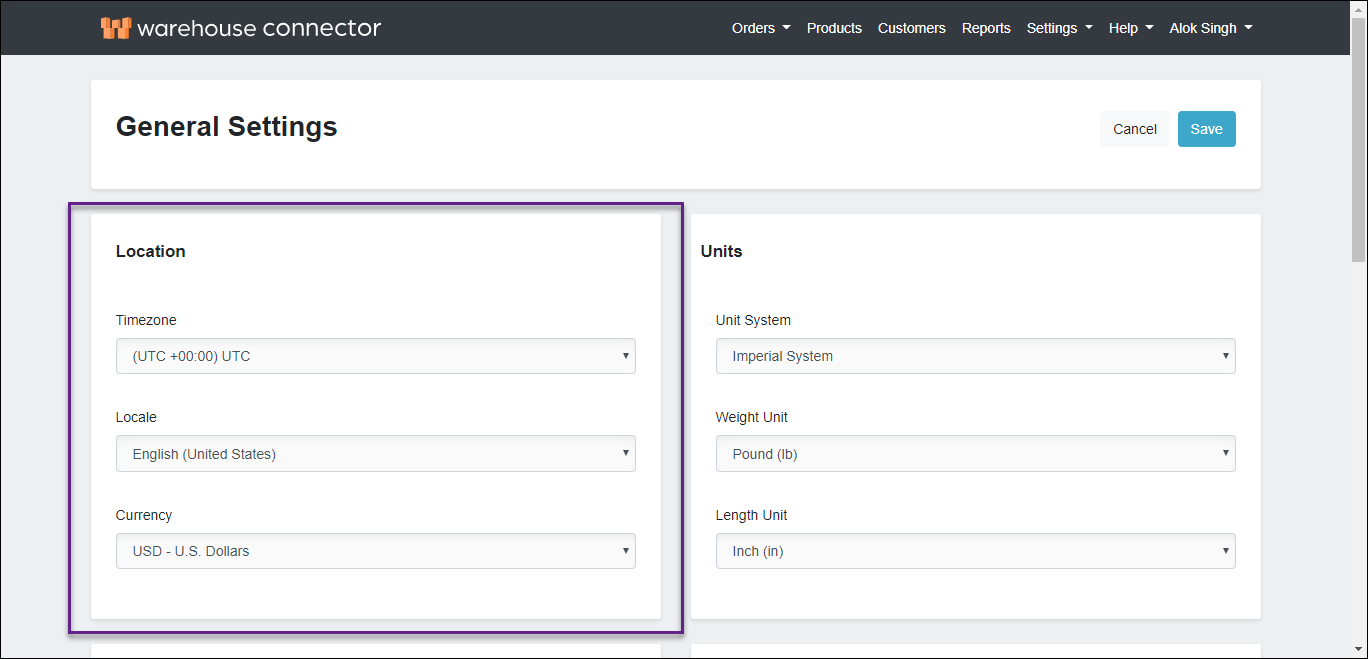
To select time zone, locale, and currency:
In the Location section, use the Time zone drop-down menu to select a time zone.
To define a default language for the Warehouse Connector, use the Locale drop-down menu to select a locale.

To define a default currency for the Warehouse Connector, use the Currency drop-down menu to select a monetary unit.
Click Save to save your changes.