# How do I perform product mapping with the NetSuite store?
Once your NetSuite store is successfully connected, Warehouse Connector allows you to map NetSuite's products to their Warehouse Connector equivalent. This allows automatic inventory updates and processing of orders.
To map products with your NetSuite store:
Click on the Settings icon and click Edit on the menu to provide Product Mapping details.
Scroll down to the Product Mapping section.
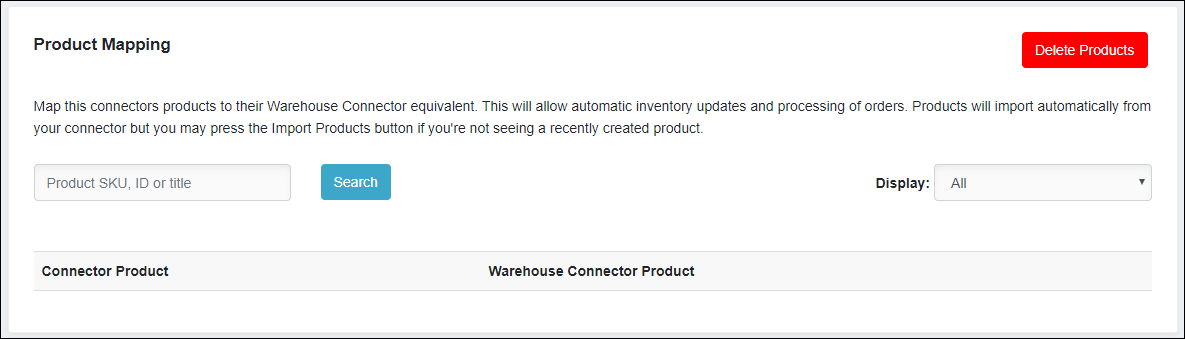
Click Add Link to map the NetSuite product to the Warehouse Connector product.

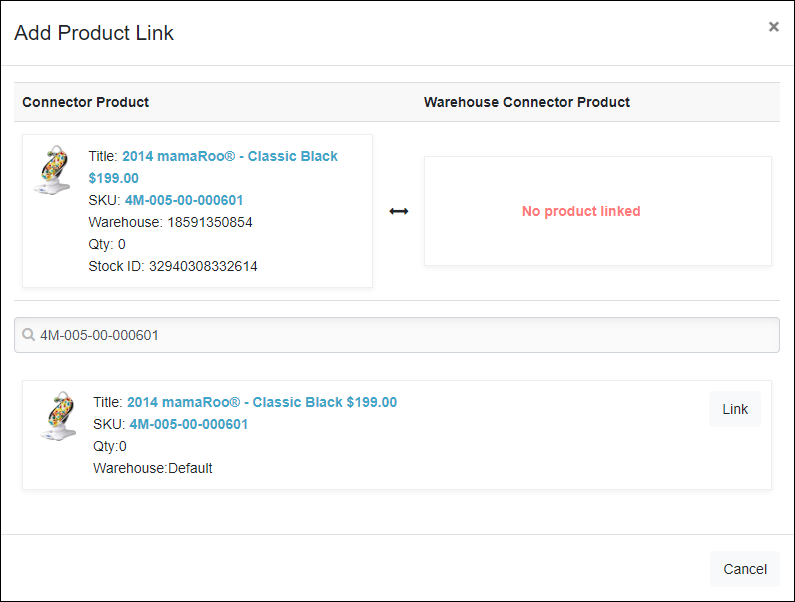
On the Add Product Link page, select the Warehouse Connector equivalent product and click Link.
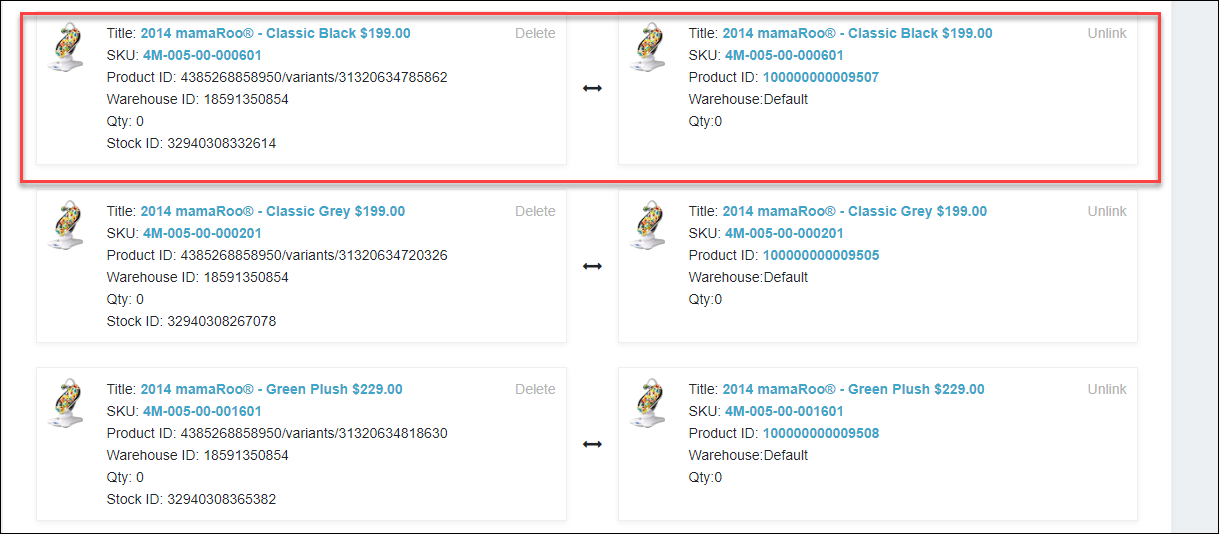
The products are successfully mapped as follows.