
# How do I sync inventory, customer, and fulfillment data with the NetSuite store?
Once your NetSuite store is successfully connected, Warehouse Connector will start downloading inventory, customer, and fulfillment data from your NetSuite store.
To sync inventory, customer, and fulfillment data with your NetSuite store:
Click on the Settings icon and click Edit on the menu to provide Sync Settings details.
The NetSuite connector details page is displayed.
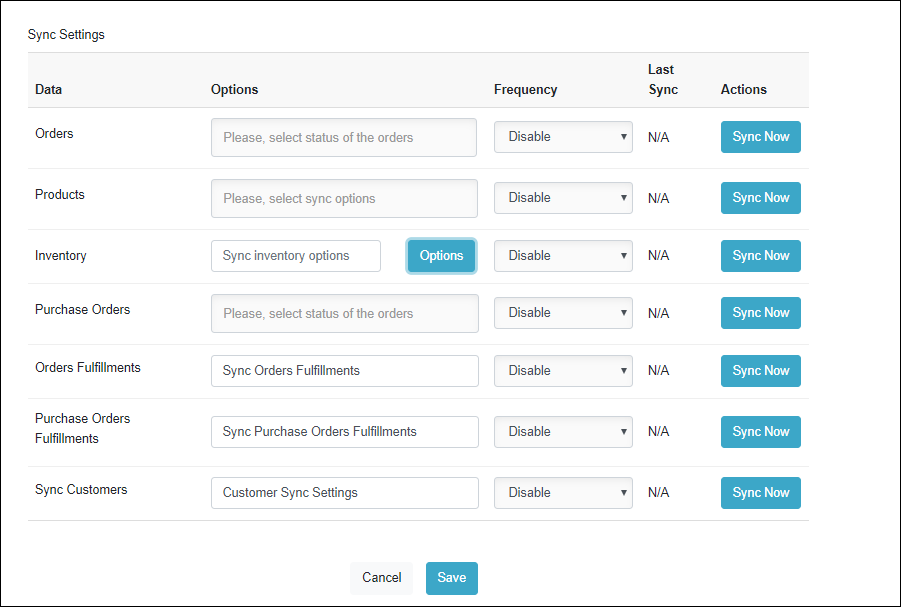
Select the frequency at which you want to sync the data between Warehouse Connector and NetSuite.
Click Sync Now to sync the data immediately.
Click Save when you have finished configuration for all of the sync settings.