
# How do I delete and order?
Warehouse Connector allows you to delete any order and other associated data such as the invoice and shipment. Deleting an order clears any selected orders from the Sales Orders page. However, this action does not send any information back to your store or 3PL partner.
Note: Order(s) once deleted cannot be recovered or undone.
To delete an order:
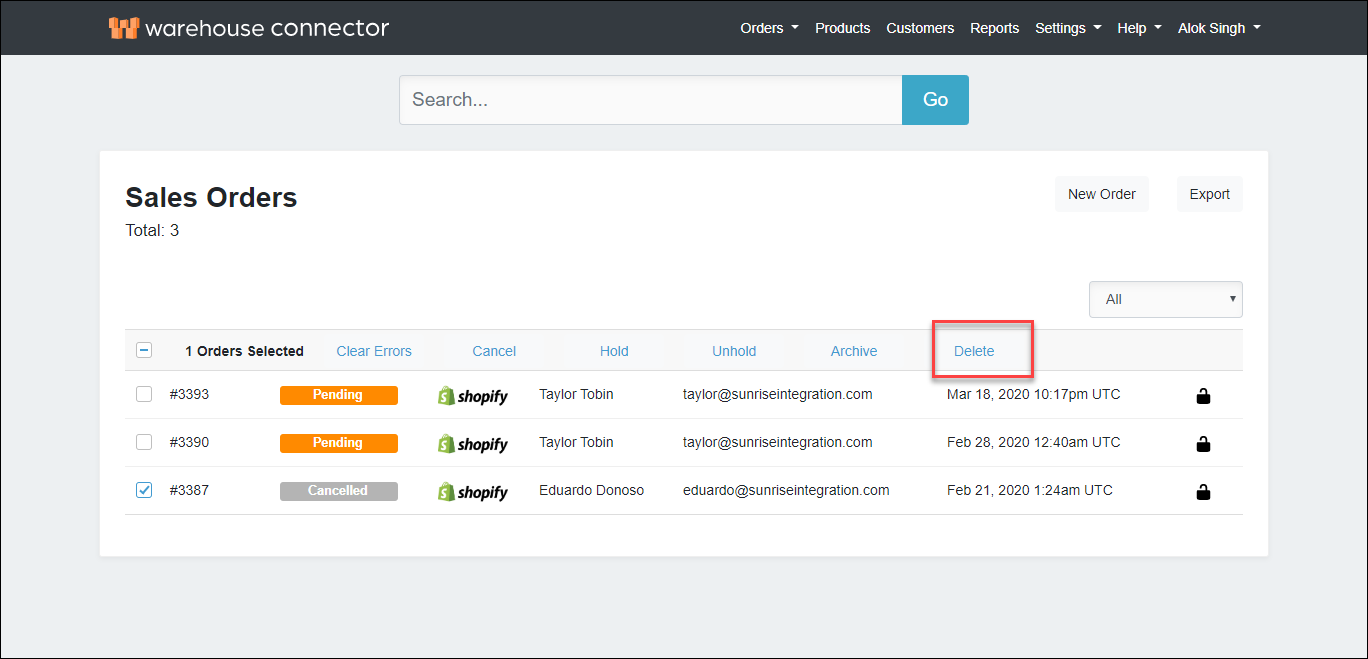
On the Sales Orders page, select the order(s) that you want to delete.
Click Delete to delete the selected order(s).
On the Confirm dialog box, click the Delete Orders button to archive the order(s).
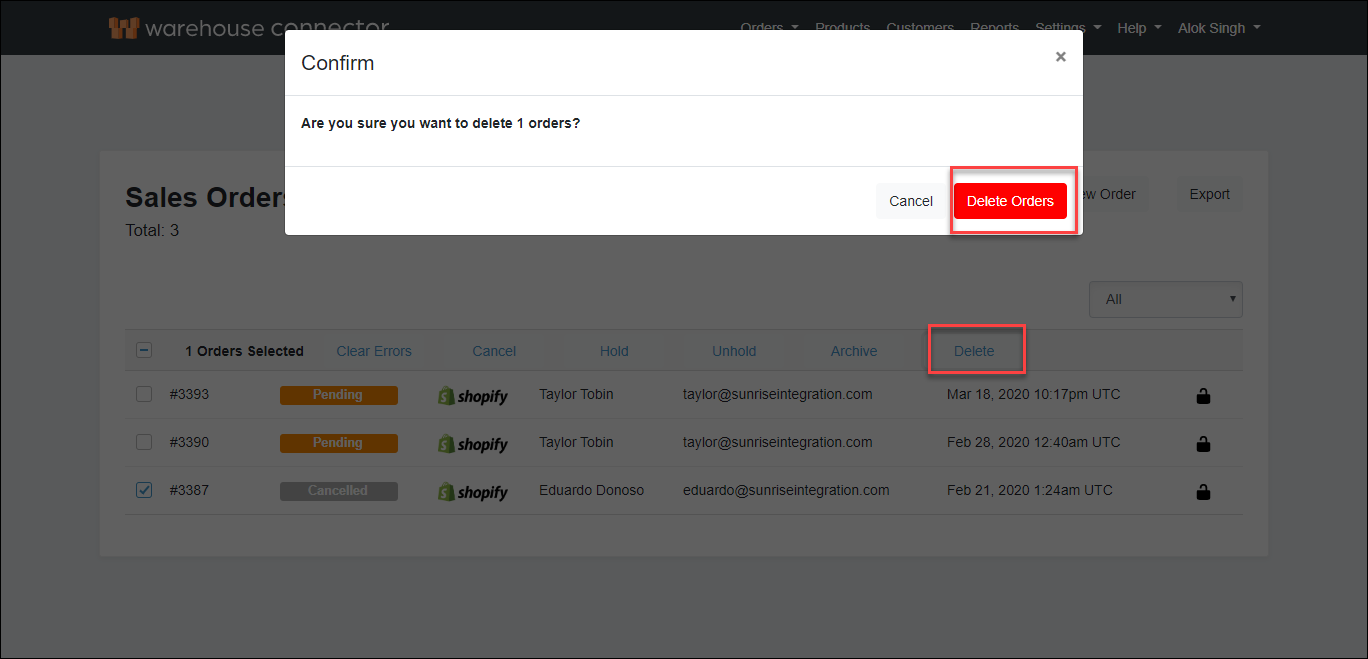 The order is successfully deleted from the Warehouse Connector.