
# How do I sort or search an order?
If you have a large number of orders, then you might want to sort or search the orders to make it easier to manage orders.
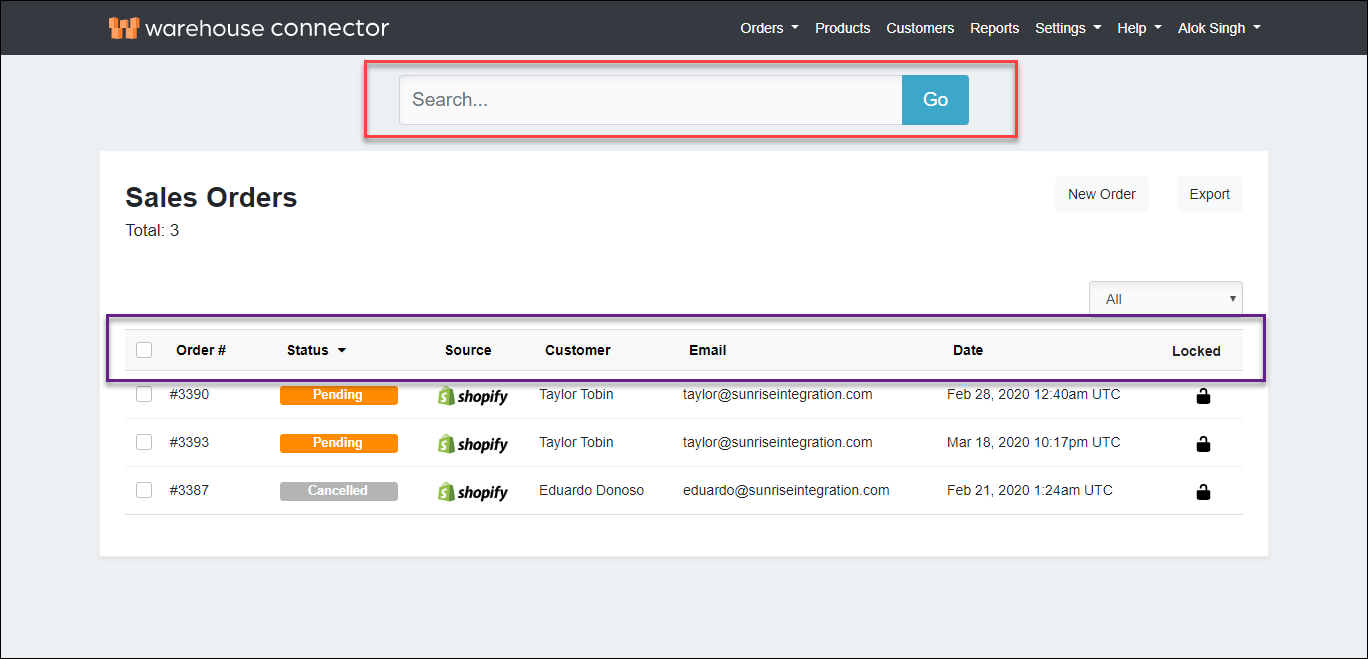
By default, your orders list is organized from newest to oldest. You can also sort your orders by:
- Order number
- Status
- Source
- Customer
- Date
For example, if you want to see all your Shopify orders, then you can sort by Source to view your Shopify orders listed together. Similarly, if you want to see all your fulfilled orders, then you can sort by Status to view your Fulfilled orders listed together.

You can filter the table based on the following criteria:
- All
- Pending
- Packing
- Partially Shipped
- Shipped
- Fulfilled
- Hold
- Cancelled
- Error
- Archived
There are both order statuses and order flags available on the list of filters.
Order Statuses:
- Pending
- Packing
- Partially Shipped
- Shipped
- Fulfilled
- Hold
- Cancelled
Any given order can only have one of the above order status.
Order Flags:
- Error
- Archived
Any given order can also include an error or archived flag. For example, a pending order can also have an error.
You can use the top search bar to search for specific orders.
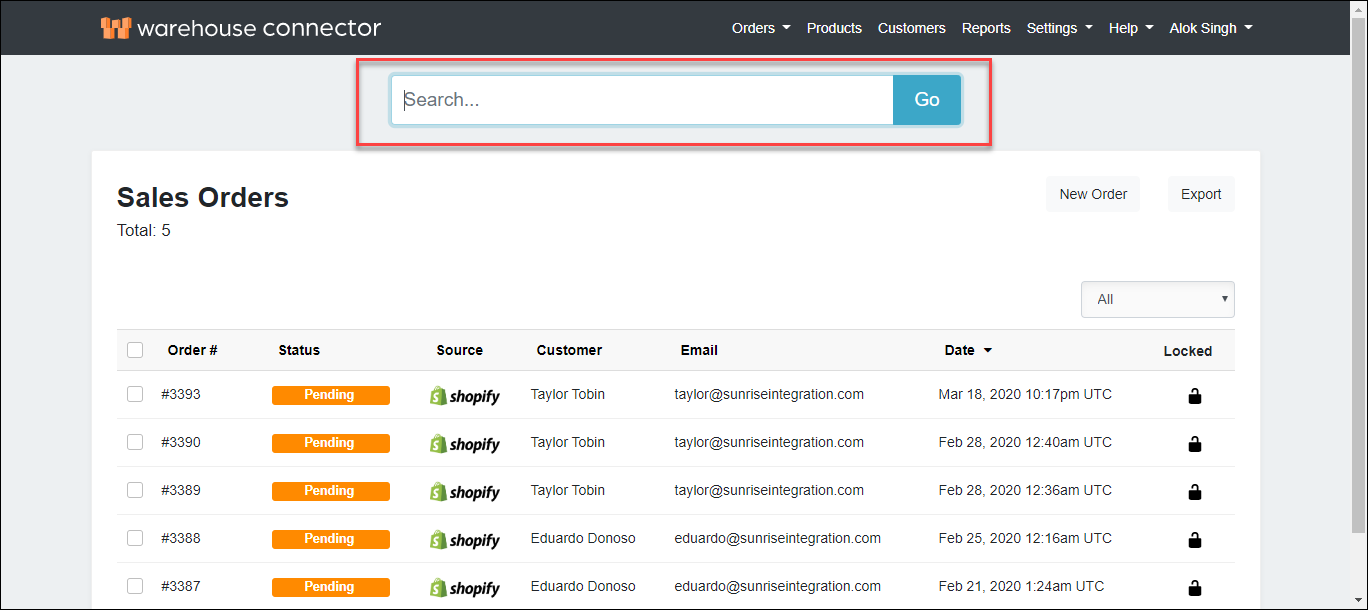
To search an order:
- Use the search box to find your customer's order. You can search for the order based on the following information:
- order number
- customer name
- customer email address
- Reference Number
- Tracking Number
- Click the order in the search result to view its details.